![[PC] TEKKEN 8 (2024) - Sub ITA](https://i.imgur.com/qUZ0cBv.png)

Uscita: 24 Gennaio 2024Versione: v3.02.01.incl.DLC-RUNE (20 agosto 2026)
Genere: Azione
Editori: Bandai Namco Entertainment
Link Steam: https://store.steampowered.com/app/1778820
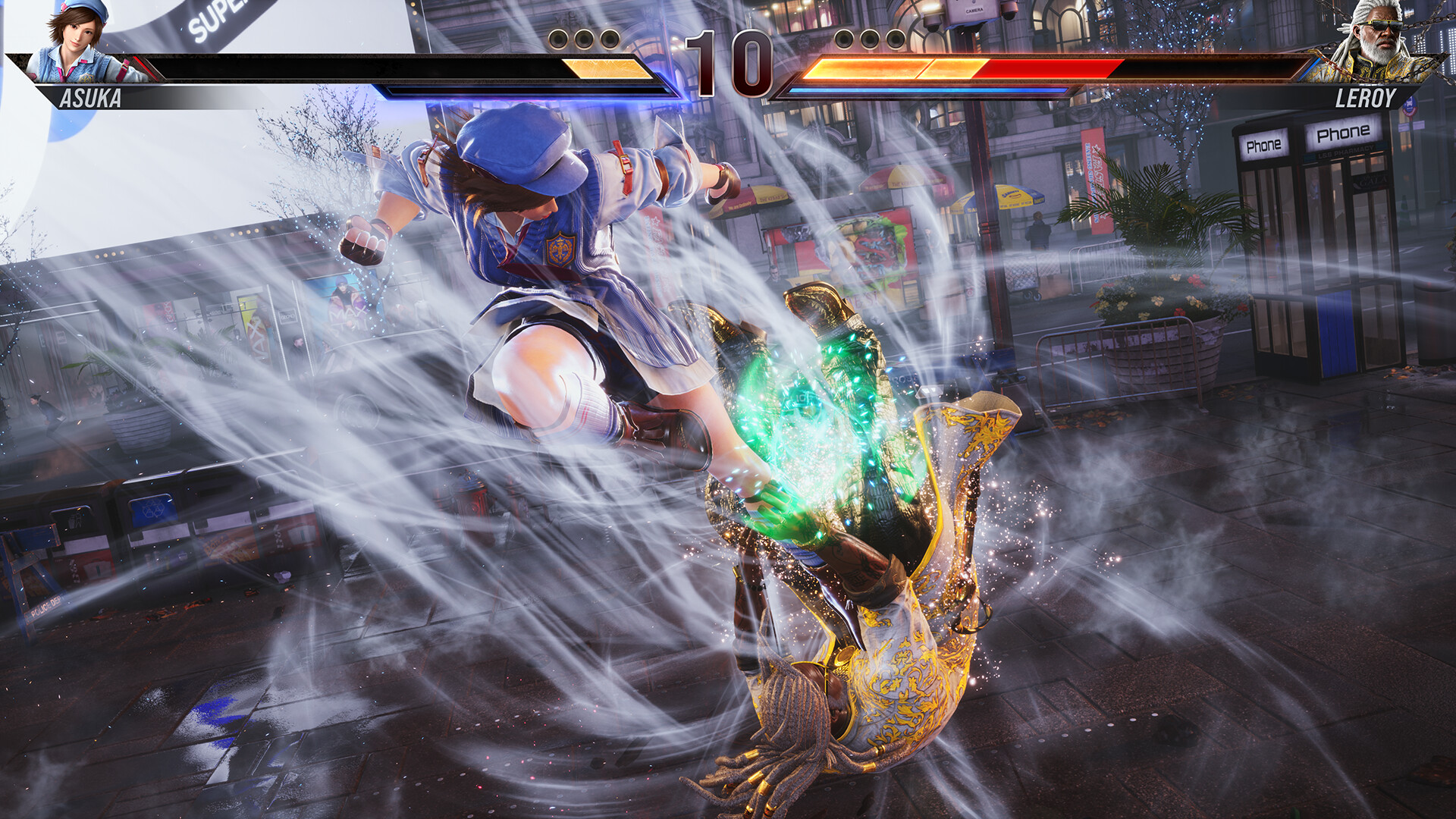
TEKKEN 8 è l'ultimo capitolo della serie TEKKEN, il pinnacolo dei picchiaduro 3D. Unisciti alla lotta con oltre 32 personaggi e vivi il più recente episodio di questa saga epica. Preparati al TEKKEN più grande e migliore mai creato!
Patchnotes: https://pastebin.com/N2UapABs
DLC INCLUSI:> TEKKEN 8 - Avatar Costume: Paul Phoenix Set
> TEKKEN 8 - Character Costume: Gold Suit Pack
> TEKKEN 8 - Avatar Costume: Classic TEKKEN T-Shirt Set
> TEKKEN 8 - Avatar Skin: Kazuya Mishima
> TEKKEN 8 - Avatar Skin: Jun Kazama
> TEKKEN 8 - Avatar Skin: Jin Kazama
> TEKKEN 8 - Avatar Skin: Kinjin
> TEKKEN 8 - Avatar Skin: Tetsujin
> TEKKEN 8 - Avatar Skin: Mokujin
> TEKKEN 8 - Eddy Gordo
> TEKKEN 8 - Deluxe Edition Upgrade Pack
> TEKKEN 8 - Ultimate Pack
> TEKKEN 8 - Lidia Sobieska
> TEKKEN 8 - Heihachi Mishima
> TEKKEN 8 - GENMAJI TEMPLE
> TEKKEN 8 - Clive Rosfield (FINAL FANTASY series)
> TEKKEN 8 - PHOENIX GATE (FINAL FANTASY series)
> TEKKEN 8 - Collaboration Set Clive Rosfield & PHOENIX GATE
> TEKKEN 8 - Anna Williams
> TEKKEN 8 - Season 1 Character Pass
> TEKKEN 8 - Season 1 Character & Stage Pass
> TEKKEN 8 - Season 2 Character Pass
> TEKKEN 8 - Season 2 Character & Stage Pass
> TEKKEN 8 - Customization Item Pack
> TEKKEN 8 - Fahkumram
> TEKKEN 8 - PAC-PIXELS
> TEKKEN 8 - Armor King
> TEKKEN 8 - Miary Zo
> TEKKEN 8 - BAOBAB HORIZON
> TEKKEN 8 - Character Costume: Aurora Outfit Pack
> TEKKEN 8 - Kunimitsu


Minimi:
Richiede un processore e un sistema operativo a 64 bit
Sistema operativo: Windows 10 64-Bit
Processore: Intel Core i5-6600K/AMD Ryzen 5 1600
Memoria: 8 GB di RAM
Scheda video: Nvidia GeForce GTX 1050Ti/AMD Radeon R9 380X
DirectX: Versione 12
Rete: Connessione internet a banda larga
Memoria: 100 GB di spazio disponibile
Scheda audio: DirectX compatible soundcard/Onboard chipset
Note aggiuntive: *"FPS (frame rate/second): Stable over 60" is guaranteed and selected under the graphic settings by default when the game is launched for the first time.*Frame rate may drop when other applications are running in the background.*Please note that minimum and recommended specifications are subjected to changes without notice.
Consigliati:
Richiede un processore e un sistema operativo a 64 bit
Sistema operativo: Windows 10 64-Bit
Processore: Intel Core i7-7700K/AMD Ryzen 5 2600
Memoria: 16 GB di RAM
Scheda video: Nvidia GeForce RTX 2070/AMD Radeon RX 5700 XT
DirectX: Versione 12
Rete: Connessione internet a banda larga
Memoria: 100 GB di spazio disponibile
Scheda audio: DirectX compatible soundcard/Onboard chipset
Note aggiuntive: *"FPS (frame rate/second): Stable over 60" is guaranteed and selected under the graphic settings by default when the game is launched for the first time.*Frame rate may drop when other applications are running in the background.*Please note that minimum and recommended specifications are subjected to changes without notice.

Installer RUNE: Lanciate il file Setup.exe cambiate l'Install Directory se volete selezionare una directory di installazione personalizzata. Controllate che siano spuntati "Create desktop shortcut" e/o "Create a Start Menu Folder", questi ultimi due non sono obbligatori, ma consigliati, soprattutto l'icona sul desktop, in modo che possiate lanciare facilemente il gioco. ***IMPORTANTE***: Selezionate "Copy contents of RUNE directory to installdir" e finalmente cliccate su "Install". Finita l'installazione potete lanciare direttamente il gioco senza fare altro.
Attenzione! Non hai i permessi per visualizzare il testo nascosto.
Stai guardando "[PC] TEKKEN 8 (2024) - Sub ITA" Grazie
Stai guardando [PC] TEKKEN 8 (2024) - Sub ITA!.
Questo contenuto appartiene alla categori Giochi PC ed è stato aggiunto il 20-08-2026, 08:00. L’Impero Dei Sogni.