![[PC] Rise of the Ronin (2025) - FULL ITA](https://lfipic.org/koug3dt28xsqryoh3dl.png)
 Uscita: 11 mar 2025
Genere: Azione, Avventura, GDR
Editori: KOEI TECMO GAMES CO., LTD.
Versione: 1.09.0.5
Link Steam: https://store.steampowered.com/app/1340990
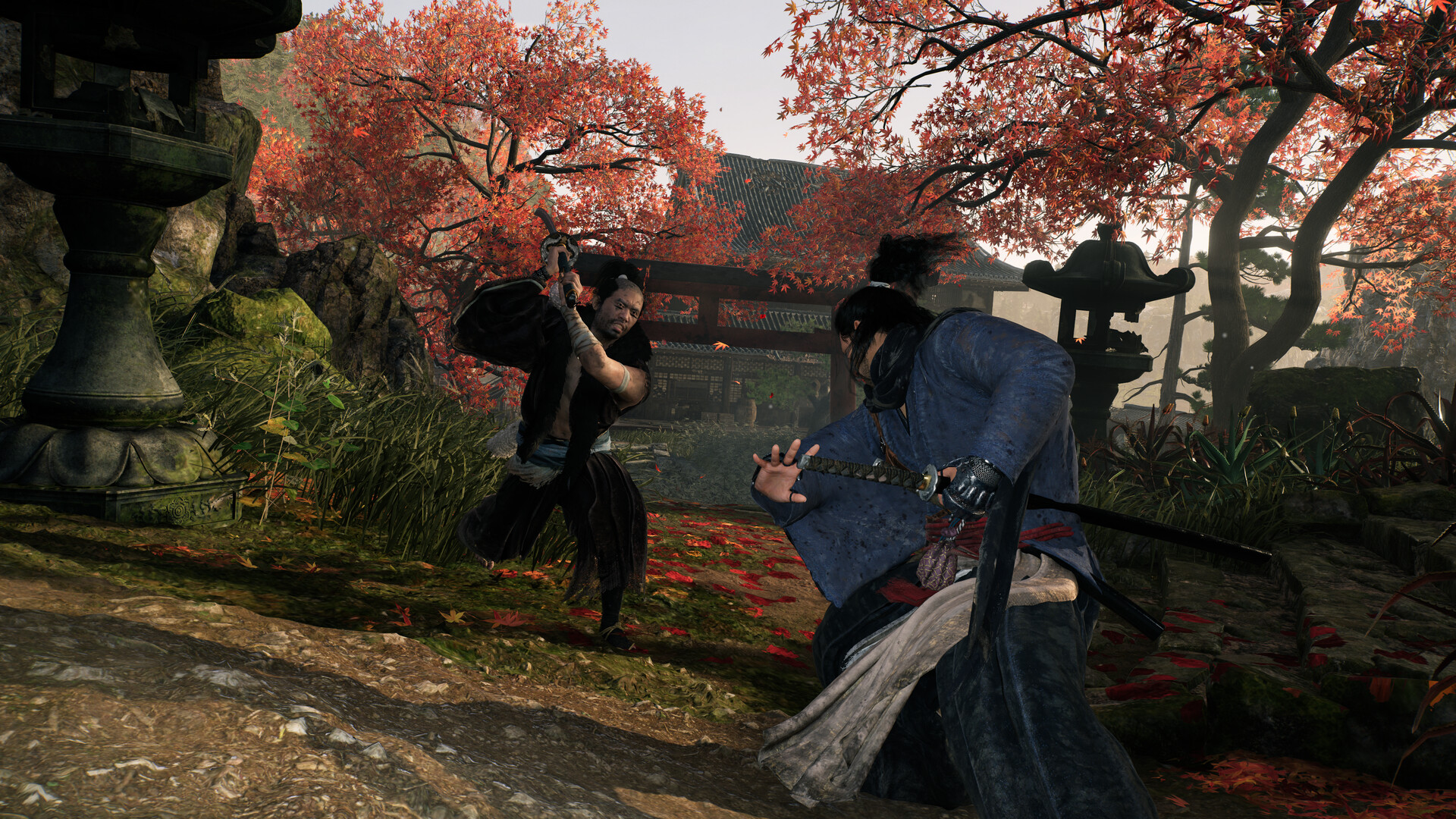
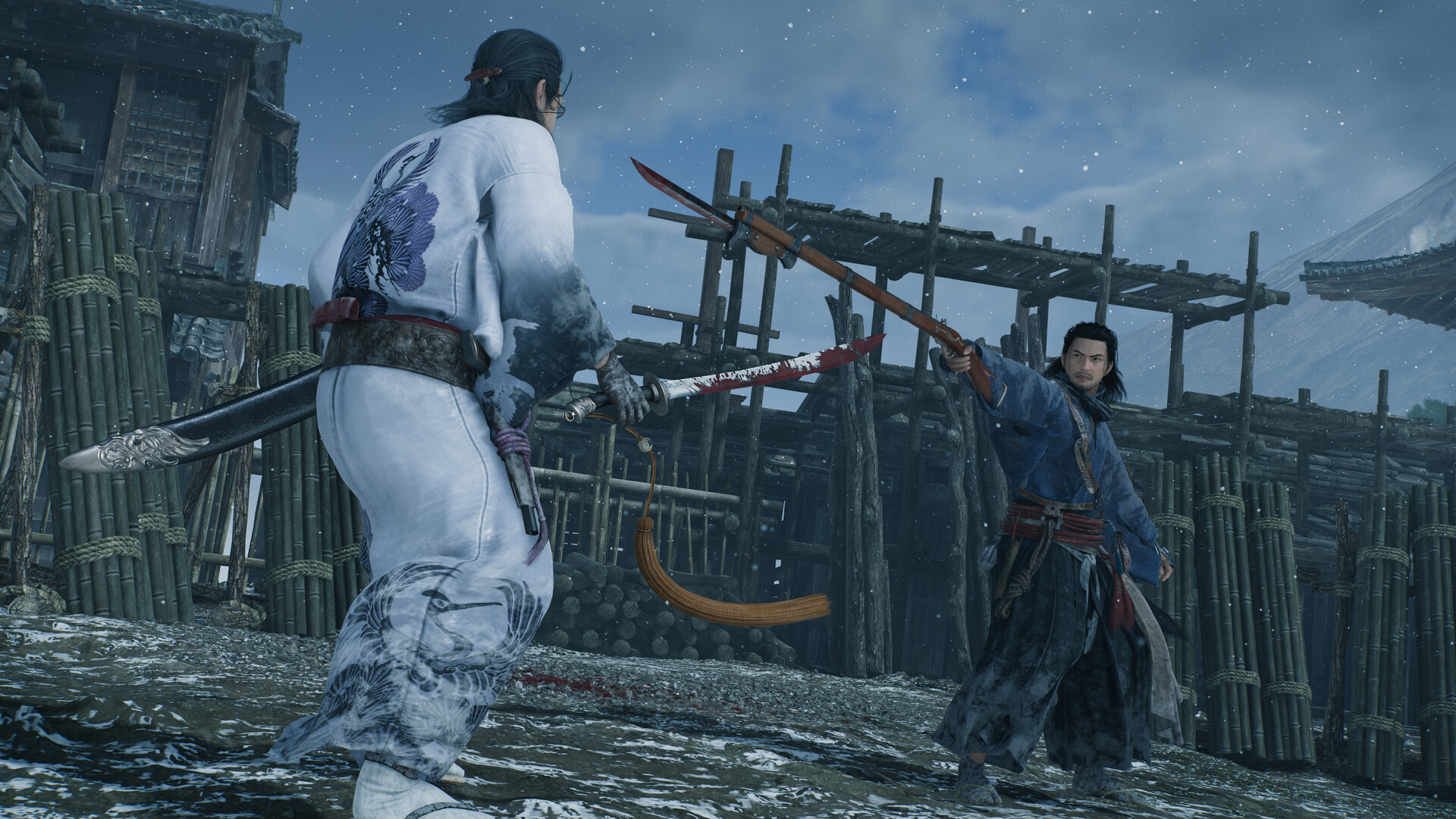
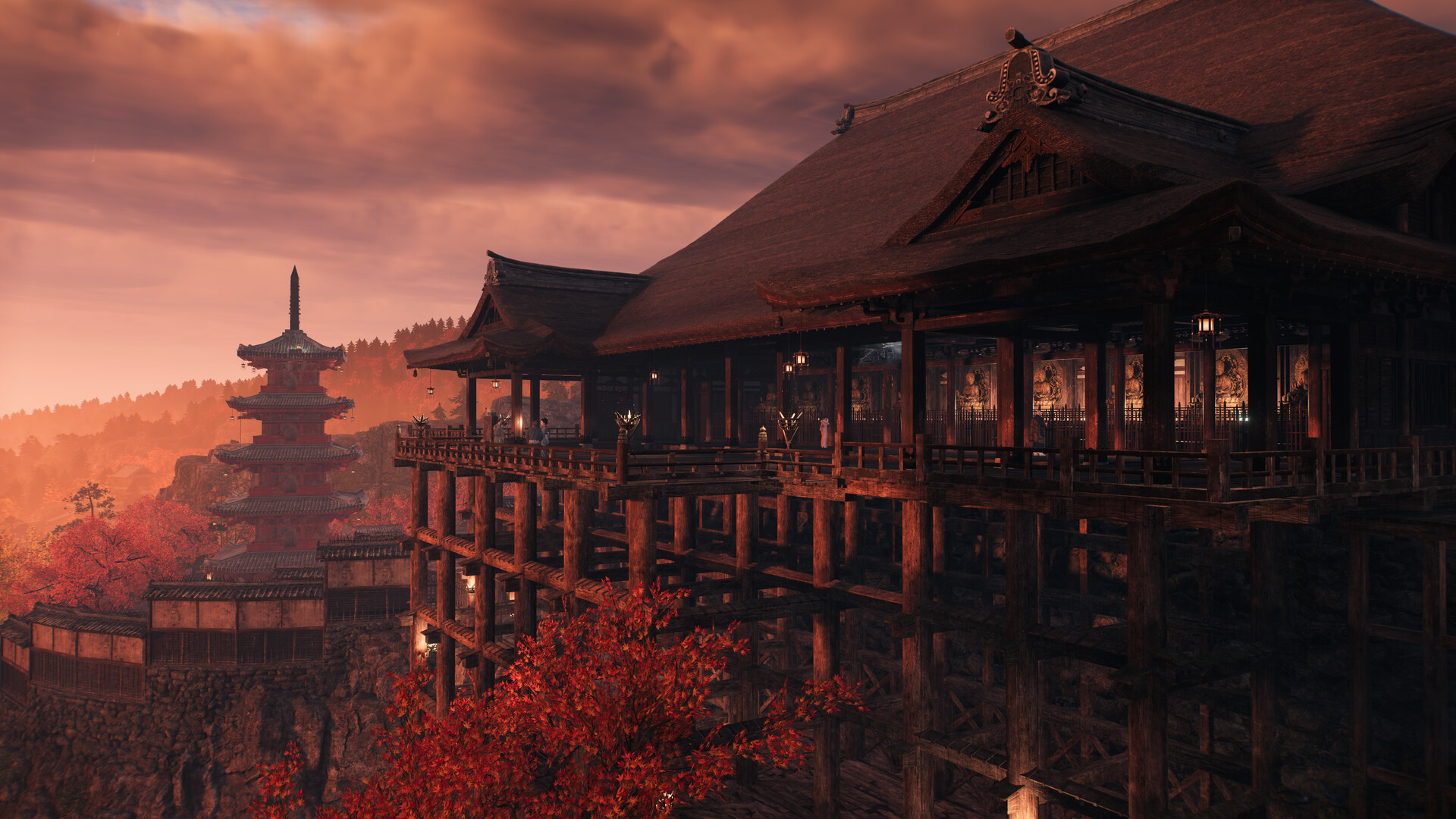
Avventurati in un epico viaggio nel periodo Bakumatsu devastato dalla guerra in un gioco di ruolo d'azione a mondo aperto targato Team NINJA, il celeberrimo studio che ha sviluppato Nioh e NINJA GAIDEN.


Minimi:
Richiede un processore e un sistema operativo a 64 bit
Sistema operativo: Windows® 10/11 64bit
Processore: Intel Core i5-10400 or better, AMD Ryzen 5 1600 or better
Memoria: 16 GB di RAM
Scheda video: NVIDIA GeForce GTX 1060 (VRAM 6GB) or better, AMD Radeon RX 5500 XT (VRAM 8GB) or better
DirectX: Versione 12
Rete: Connessione internet a banda larga
Memoria: 155 GB di spazio disponibile
Scheda audio: 16-bit stereo with 48KHz playback
Note aggiuntive: SSD required. Poor SSD performance may affect gameplay. Multi-channel memory architecture recommended. This game is expected to run at 1080p/30FPS under the lowest graphics settings (upscaled). Frame Generation can be used to increase FPS. Note: Windows® 11 system requirements apply when using that OS.
Consigliati:
Richiede un processore e un sistema operativo a 64 bit
Sistema operativo: Windows® 10/11 64bit
Processore: Intel Core i5-10600K or better, AMD Ryzen 5 5600X or better
Memoria: 16 GB di RAM
Scheda video: NVIDIA GeForce RTX 2080 Super (VRAM 8GB) or better, AMD Radeon RX 6700XT (VRAM 12GB) or better
DirectX: Versione 12
Rete: Connessione internet a banda larga
Memoria: 155 GB di spazio disponibile
Scheda audio: 16-bit stereo with 48KHz playback
Note aggiuntive: SSD required, NVMe SSD recommended. Multi-channel memory architecture recommended. This game is expected to run at 1080p/60FPS under the standard graphics settings (upscaled). Frame Generation can be used to increase FPS. Note: Windows® 11 system requirements apply when using that OS.

Installer RUNE: Lanciate il file Setup.exe cambiate l'Install Directory se volete selezionare una directory di installazione personalizzata. Controllate che siano spuntati "Create desktop shortcut" e/o "Create a Start Menu Folder", questi ultimi due non sono obbligatori, ma consigliati, soprattutto l'icona sul desktop, in modo che possiate lanciare facilemente il gioco. ***IMPORTANTE***: Selezionate "Copy contents of RUNE directory to installdir" e finalmente cliccate su "Install". Finita l'installazione potete lanciare direttamente il gioco senza fare altro. Durante l'installazione potete rilassarvi con l'intro Kr0n0s.exe :) NON E' UN VIRUS, è semplicemente la mia firma!
Installer TENOKE:: Per l'installer TENOKE seguite la stessa procedura di RUNE, cambia solo la grafica dell'installer ma il concetto rimane identico!
Installer Kr0n0s: Se è un mio Repack non dovete fare altro che lanciare il setup, attendere la fine dell'installazione e lanciare poi il gioco dall'icona creata sul desktop.

Attenzione! Non hai i permessi per visualizzare il testo nascosto.